Automate business workflows with security and control.
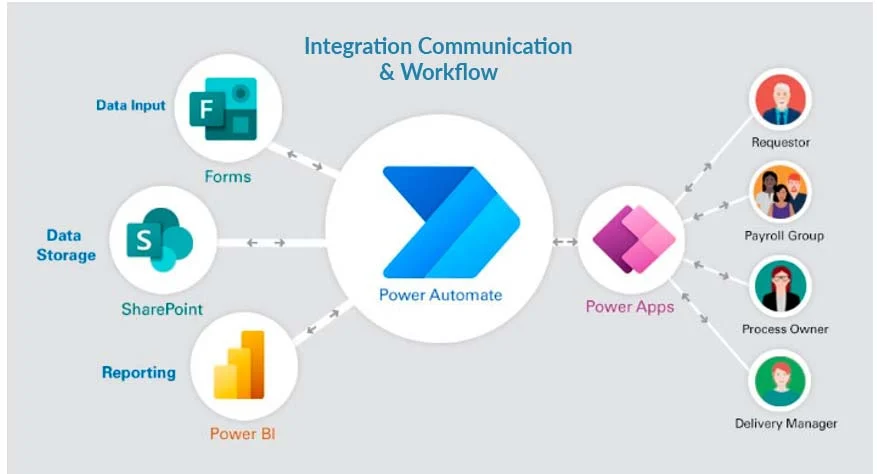
Power Automate helps organizations reduce manual work, connect systems, and improve response time. We design, build, govern, and support cloud flows, desktop automation, approvals, integrations, and AI-assisted processes across Microsoft 365 and enterprise applications.
- Approval workflows, notifications, integrations, RPA, and document automation
- Microsoft 365, SharePoint, Teams, Dataverse, Dynamics, SQL, API, and third-party connectors
- Governance, error handling, monitoring, ownership, optimization, and support
Automation capabilities
Workflow Automation
Automate approvals, notifications, assignments, document routing, and multi-step business processes.
System Integration
Connect Microsoft 365, SharePoint, Teams, Dynamics, Dataverse, SQL, APIs, and third-party platforms.
AI & Document Processing
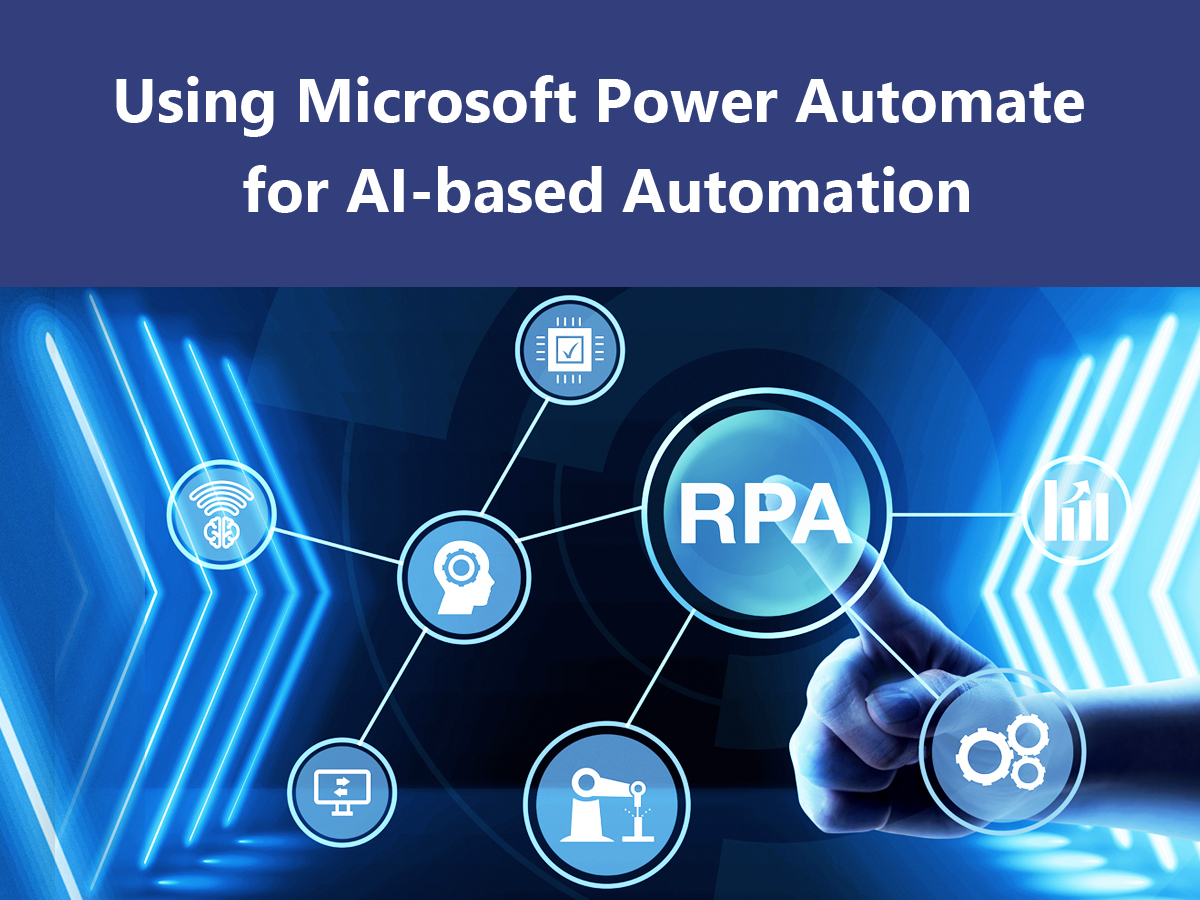
Use AI Builder and process automation to extract data, classify records, and reduce manual review work.
Governance & Monitoring
Apply environment strategy, DLP policies, error handling, logging, ownership, and support standards.
Power Automate Service Areas
Focused services for approvals, process automation, integration, RPA, documents, and optimization.
Approval Workflows
Design purchase, HR, finance, legal, IT, and operations approvals with routing, reminders, escalations, and audit trails.
Process Automation
Replace repetitive manual tasks with triggered flows, scheduled flows, business rules, and exception handling.
Integration Flows
Move and synchronize data between Microsoft 365, Dataverse, SQL, Dynamics, SharePoint, APIs, and cloud apps.
Desktop RPA
Automate legacy desktop tasks with Power Automate Desktop where APIs or modern connectors are unavailable.
Document Automation
Automate document intake, extraction, classification, approvals, storage, alerts, and downstream updates.
Flow Optimization
Improve existing flows for reliability, maintainability, performance, licensing, monitoring, and supportability.
Practical workflows for everyday business operations
We build automation that is observable, maintainable, and owned by the right business or IT team.
Approvals & Routing
- Multi-stage approvals
- Conditional routing
- Escalations and reminders
- Audit and status tracking
Data Synchronization
- SharePoint and Dataverse updates
- SQL and API integration
- Cross-system record sync
- Error and retry handling
Notifications & Alerts
- Teams adaptive cards
- Email and mobile alerts
- Service request updates
- Operational exception notifications
Document Processing
- Invoice and form intake
- AI Builder extraction
- Metadata assignment
- Retention and storage workflows
Desktop Automation
- Legacy app automation
- Repetitive data entry
- Report download and upload tasks
- Attended and unattended RPA planning
Operations Automation
- Task assignment
- SLA tracking
- Case updates
- Recurring checks and reports
Power Automate Solutions We Build
Image-backed examples of automation scenarios across business and IT teams.


A controlled path from process map to governed automation
We design automation for the full lifecycle: triggers, data, exceptions, ownership, monitoring, and support.
Discover
Map process steps, triggers, data sources, owners, exceptions, compliance needs, and business outcomes.
Design
Define flow architecture, connectors, permissions, data handling, retry logic, monitoring, and support model.
Build & Test
Develop flows, configure approvals, integrate systems, test exceptions, validate data, and prepare deployment.
Launch & Govern
Deploy flows, train owners, monitor runs, tune performance, manage changes, and improve automation coverage.
Outcomes You Can Measure
Automation should improve speed, quality, and visibility while reducing avoidable manual effort.
Keep flows reliable, observable, and easy to maintain
We support flow fixes, enhancements, connector changes, governance, monitoring, documentation, and owner training.
Power Automate FAQs
Common questions from organizations planning workflow automation, integrations, RPA, and managed support.
Ready to automate your next workflow?
Let our Power Platform experts assess your process, design the right automation, and deliver secure flows your teams can rely on.
Talk to a Power Automate Expert